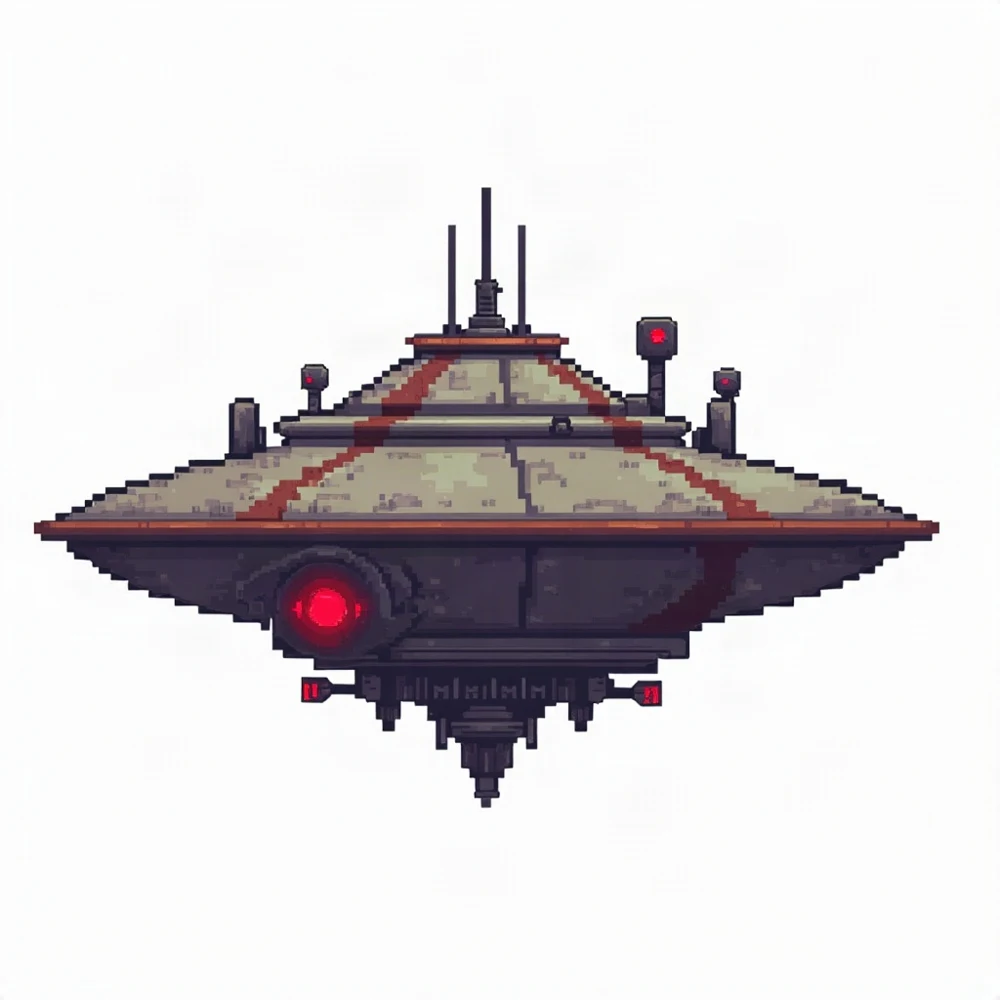
Concept art from the official example. This image shows generated art, not in-game footage.
The idea
Fal Arsenal is a documented Terraria mod with new weapons, three enemies, and a two-phase Drone Mothership boss. Its sprites were generated with fal and prepared for the tModLoader asset pipeline.
What was built
- Weapons include a homing missile launcher, chain-lightning rifle, black-hole gun, and orbital strike.
- The tactical nuke changes the terrain with a crater and mushroom cloud.
- The example includes its source and generated art; the image here is concept art, not a gameplay screenshot.
The example source and original field note document the implementation. Their version requirements and limitations matter more than the headline.
How to try this example
Want to play the mod you saw in the showcase? The linked example directory is a source project with build instructions. A GitHub source ZIP is not a ready-to-install mod. A compiled release should identify its supported game and loader versions and include its own installation steps. Check the upstream Releases page for one; this guide does not list a verified precompiled package.
Terraria: build Fal Arsenal in tModLoader
The README describes a source port from a single-player showcase using tModLoader 2026.07 on Terraria 1.4.4. Install tModLoader through Steam and check its current documentation against your installed versions. Multiplayer is untested.
- Use a spare world. Back up your characters and worlds before testing. The weapons can destroy terrain, so start in a disposable world.
- Copy the mod source. Open Workshop > Develop Mods so tModLoader creates its ModSources folder and targets file. Copy the example’s FalArsenal folder into ModSources; the README lists the folder location for Windows, Linux, and macOS.
- Build and load it. Choose Workshop > Develop Mods > FalArsenal > Build + Reload. This builds the .tmod and enables it. In your spare world, /arsenal gives you the weapons for a first check; the README also explains crafting and command-line builds.
Check the example README for the full build and installation procedure, and the field note for the documented test setup and limitations. These instructions describe the reviewed source; they do not guarantee compatibility with your installation. If a version or dependency is unclear, verify it in the project documentation before changing game files.
Explore a similar idea
Have your agent inspect the game you own and read the example before proposing a plan. Start with a smaller change if this is your first mod.
Inspect my Terraria and tModLoader versions. Read the Fal Arsenal field note. Plan a small mod that adds one new weapon, using a placeholder sprite first. Back up my saves before testing.This page summarizes work documented in the official repository. We have not independently tested the mod. All game names and game imagery belong to their respective owners.